 'i-see-pro'
'i-see-pro'
'i-see-pro'
3 clicks to configure app
Upload, Select, & Configure
3 clicks to configure app Upload, Select, & Configure
Configure the generated app in a few clicks

Configure the generated app in a few clicks
5 simple steps
generate, configure & Go Live
5 simple steps to generate, configure & Go Live
1.
Upload
2.
Select Feature
3.
Configure
4.
Preview
5.
Go live
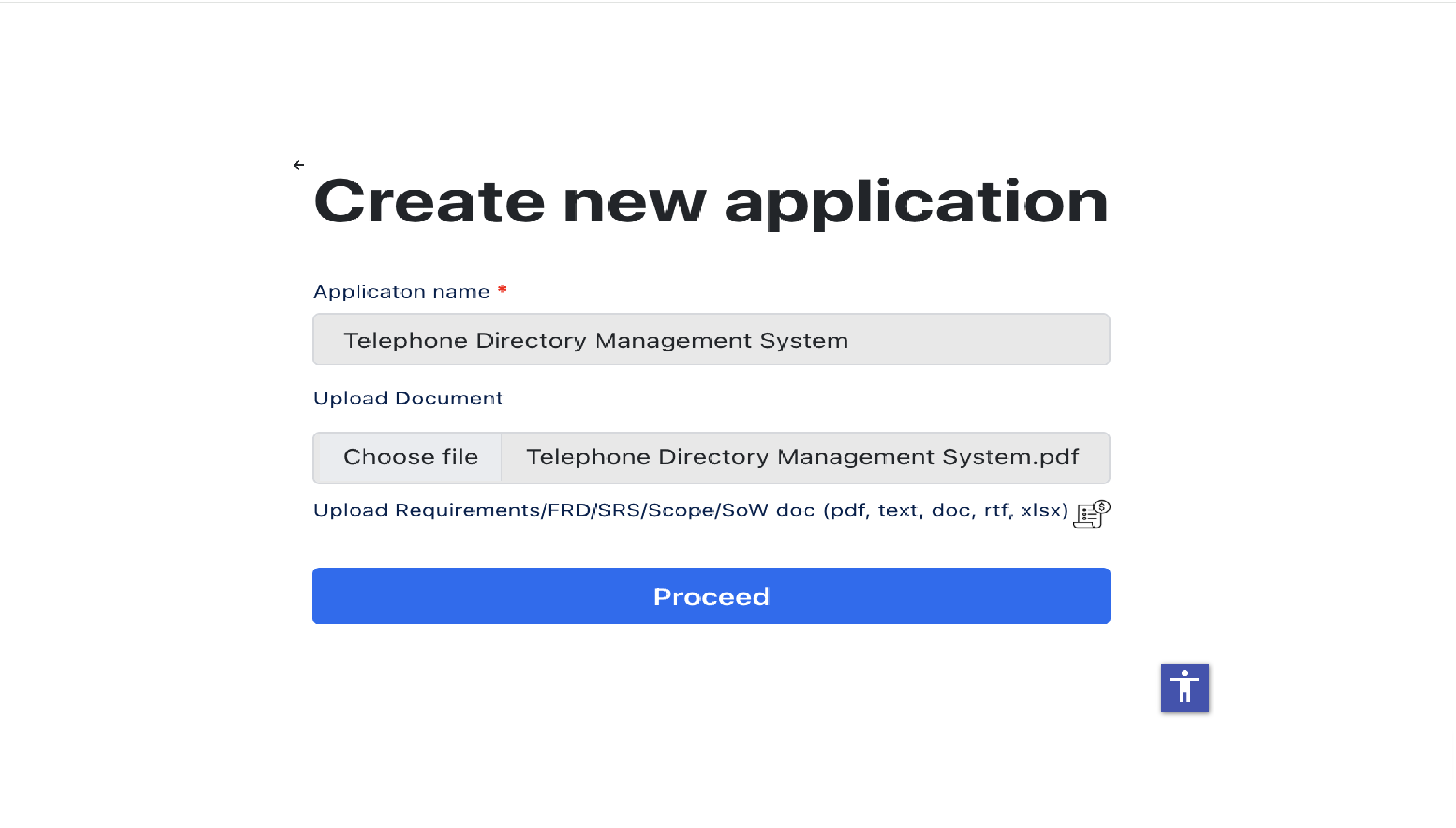
Step 1. Upload
Upload your business requirements document - In PDF, Word or Excel or JSON format. Just upload it.
Step 2. Select Feature
Choose the features you want to include in your app from AI identified list like reports, forms, workflows, or integrations.
.png)
.png)
Step 3. Configure
Fine-tune app modules & features in just a few clicks — assign privileges , generate mobile versions, set audit compliance and tool integrations without writing a single line of code.
Step 4. Preview
Instantly preview your built application and backend setup — see how your app looks and works before publishing, with real data simulation if needed.
.png)
.png)
Step 5. Go live
Deploy your enterprise-grade application to production with one click — fully secured, scalable, and ready for your team or customers to use.